ODO for service history
ODO
Build a car history worth keeping.
Keep service work, receipts, odometer readings, costs, and workshop submissions together. Give yourself and future buyers a clear view of the car’s history.
Get ODO
The history you build
Every service. One clear history. All in one timeline.
Service work, receipts, mileage, costs, and record sources stay together. Each visit adds to a history that is easier to follow—and easier to share.
Earlier service
Engine oil and filter
Receipt and service notes retained.Receipt and service notes retained.
Owner enteredRecent service
Brake service
Workshop details and evidence connected.Workshop details and evidence connected.
Workshop submittedLatest service
Tyres or battery
Odometer and cost remain with the event.Odometer and cost remain with the event.
Owner enteredNext reminder
Plan the next service
The reminder follows the last recorded service.Follows the last recorded service.
Based on history
After the service
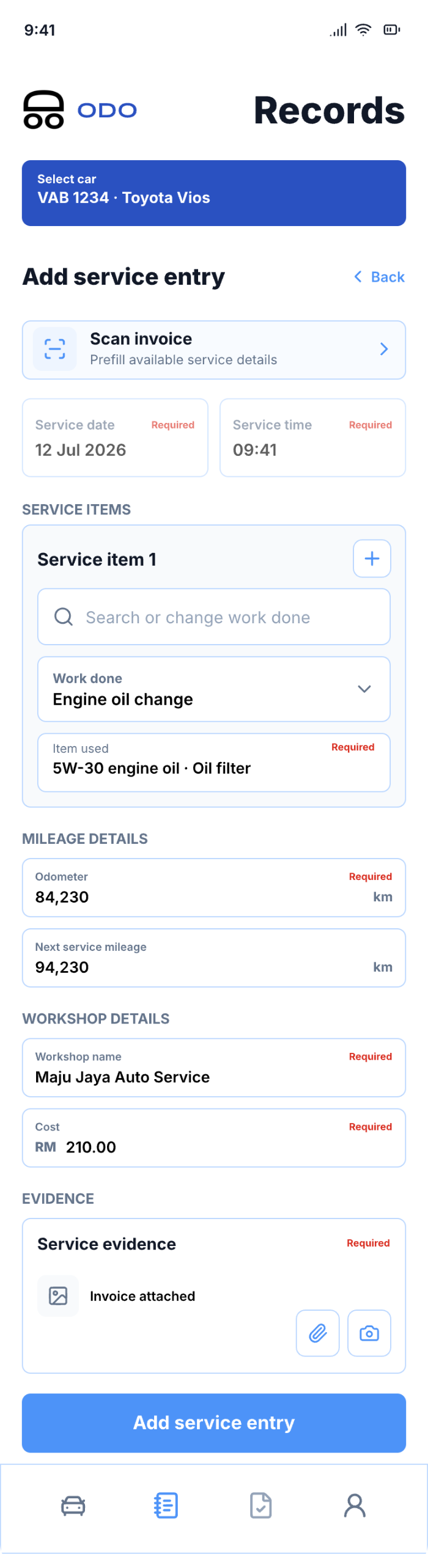
Record the service before the details disappear.
Add the work performed, workshop details, odometer reading, cost, and available receipt or invoice while the visit is still fresh.
Choose the vehicle and service type
Start with the car and the work that was completed.Start with the car and completed work.
Add the visit details
Keep cost, odometer, workshop, and service notes together.Keep cost, odometer, workshop, and notes together.
Attach evidence and save
Add the available receipt or invoice, then save the record to the car history.Add the available receipt or invoice to the car history.
For future visits · Connect once
Connect once. Let your workshop send the details.
Scan your workshop’s QR in ODO and approve a vehicle connection. On future visits, the workshop can send service records straight to your app.
No new QR needed while connected. Review each record before saving it, and disconnect anytime.
Know moreSee how the workshop connection works.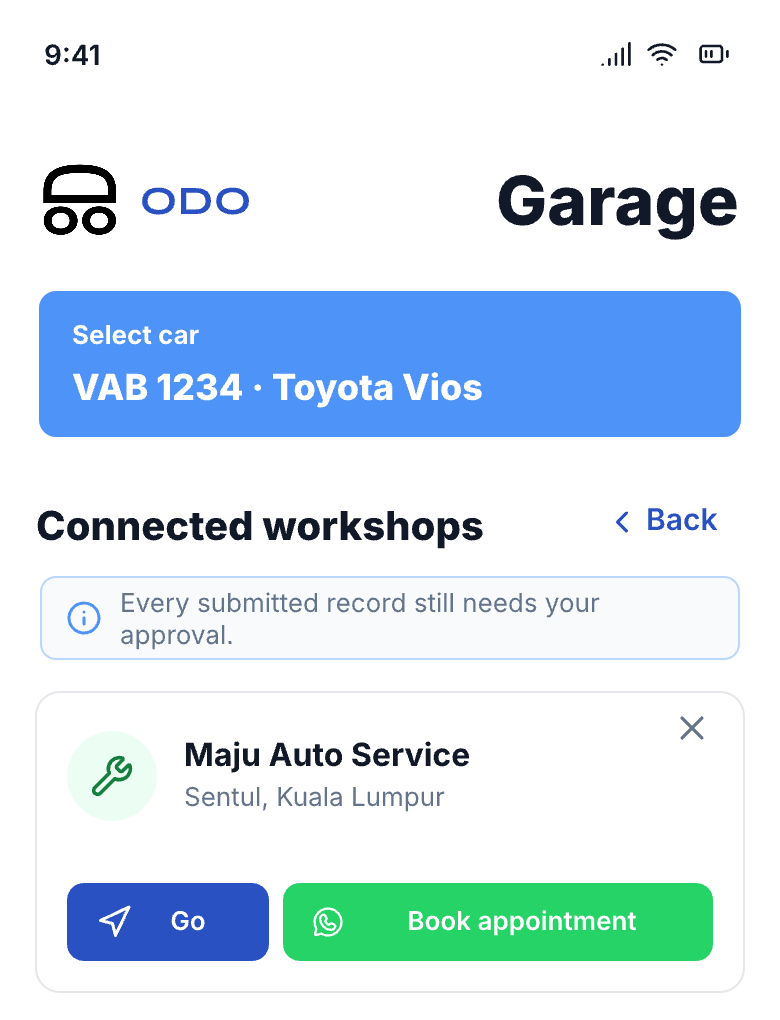 Illustrative preview
For this visit · Share your QR
Workshop not on ODO yet? Show your own QR.
No worries. Show your own QR for this visit. The workshop submits the service details in a browser—no workshop account needed. Each QR covers one service submission.
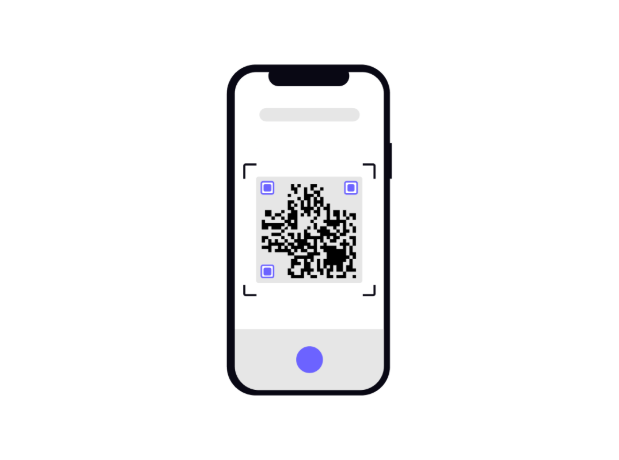
Show your ODO QR
Create a one-visit QR in ODO for the workshop to scan.
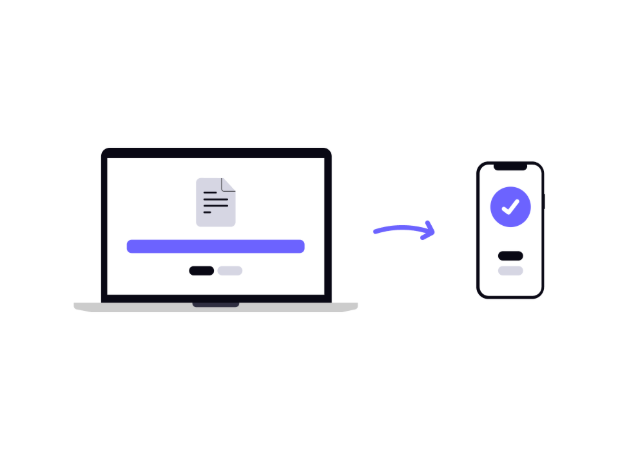
Workshop submits the service
They enter the service details in a browser. No workshop account needed.
Review it in ODO
Accept or reject the submission before it joins your vehicle history.
For ownership and sale
A maintenance history a future buyer can understand.
Issue a Vehicle Maintenance Statement that brings service work, evidence, source, costs, and record history into one readable report.
Vehicle Maintenance Statement
Paid featureIllustrative preview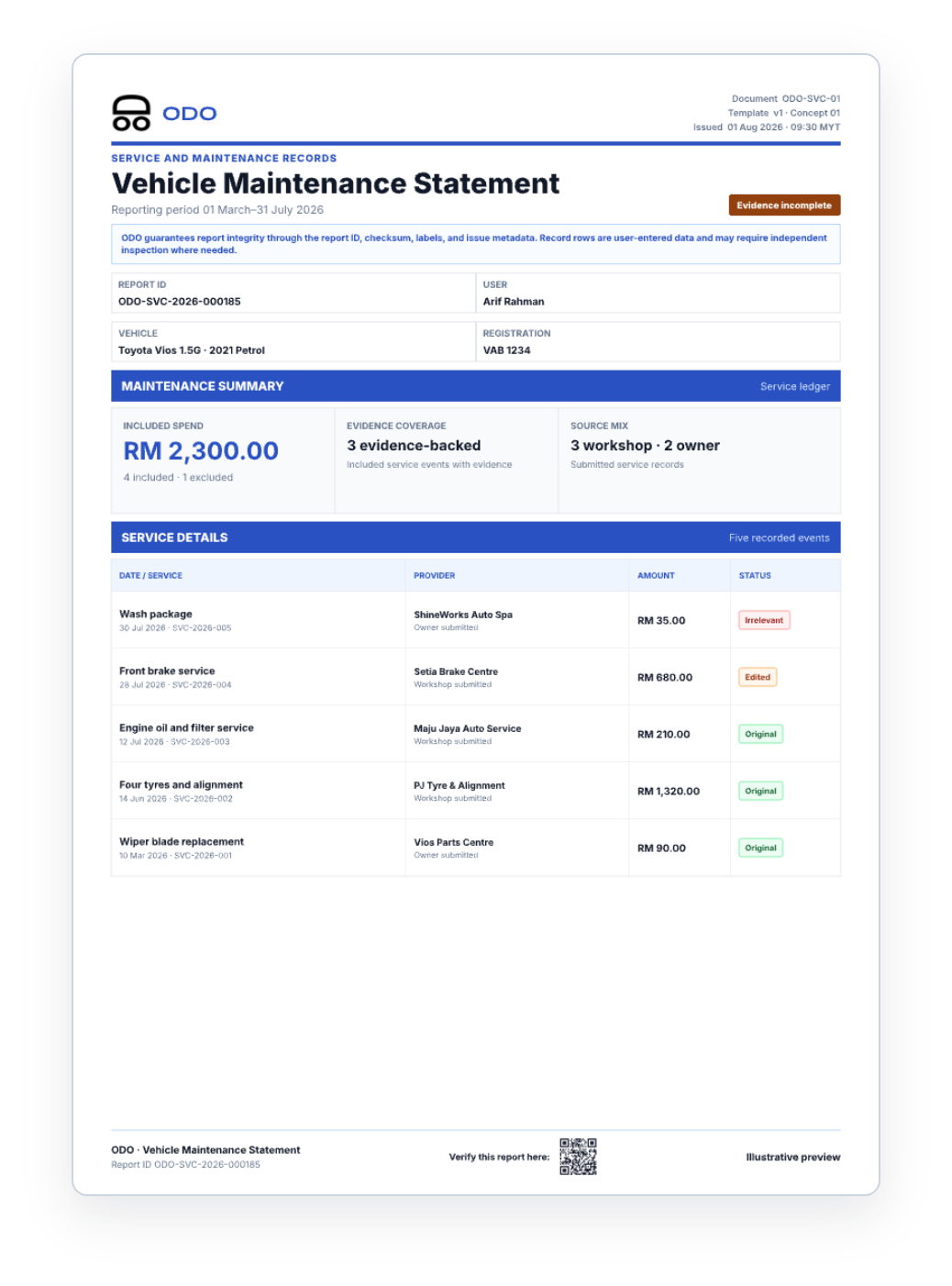
Service events and spend
See the services and recorded spend across the selected period.Services and recorded spend for the selected period.
Odometer and evidence
Bring odometer readings and available evidence into the same view.Odometer readings and available evidence in one view.
Source and record history
See who submitted each record and whether it was edited.See who submitted each record and whether it was edited.
Work mileage can live in the same garage.
Record business trips and create a mileage statement from the same vehicle history when you need it.
Start building the history behind your car.
Choose the next step for your phone.