ODO for workshops
ODOStay part of the car’s service history.
Make every service visit more valuable. ODO helps customers keep a trusted history of your work, while your workshop builds confidence and stays top of mind.
- Work follows the car
- No system to learn
- No extra software

Value beyond the visit
Let every service build trust.
ODO helps customers keep a clear history of your work, making each approved service easier to remember and value.
Why it helps your workshop
Let good work stay visible
Your completed service can remain part of the car’s history after the customer approves it.
Give customers more confidence
Clear service details help customers understand what was done and feel better prepared for future maintenance.
Strengthen the car’s story
A detailed maintenance history can strengthen ownership confidence when customers keep, share, or sell the car.
Start with the workflow you already use
Open the first request in the browser and complete it alongside your existing workshop tools.
One customer handoff, from service counter to their ODO garage.
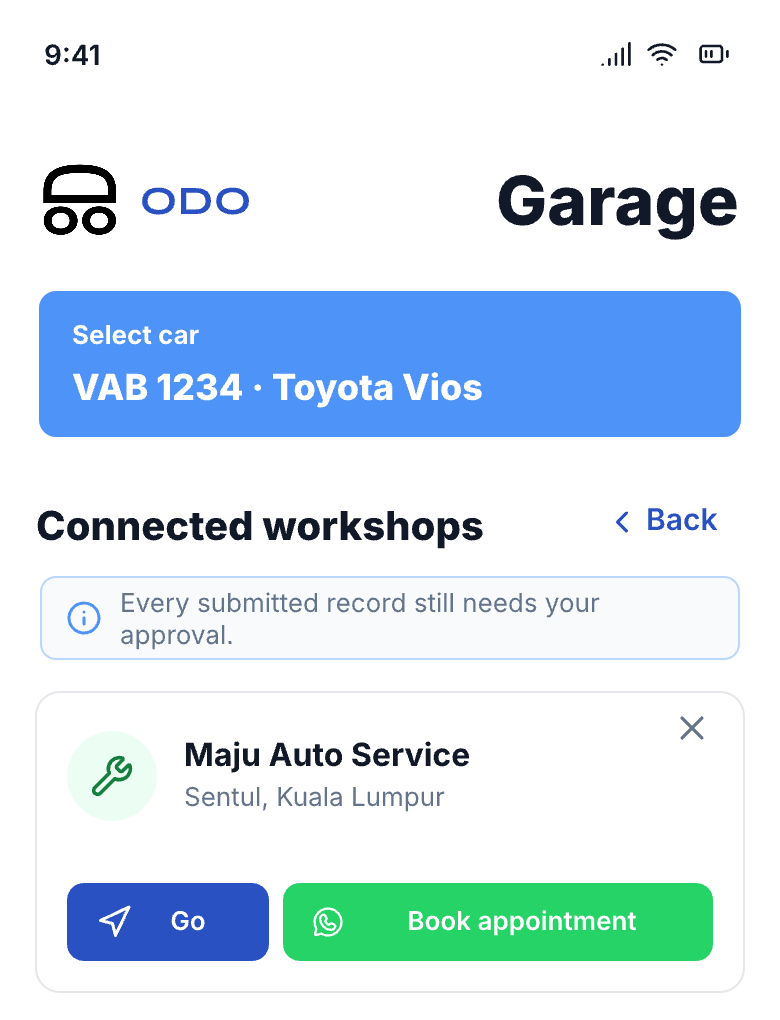
The customer starts the handoff. Your workshop records the completed work. The customer decides whether to add it to their vehicle history.

Customer shares the ODO handoff
They show a QR or open the workshop link for this visit.

Workshop enters the completed service
A mechanic, adviser, or receptionist adds the workshop and service details in the browser, then receives a submission reference.

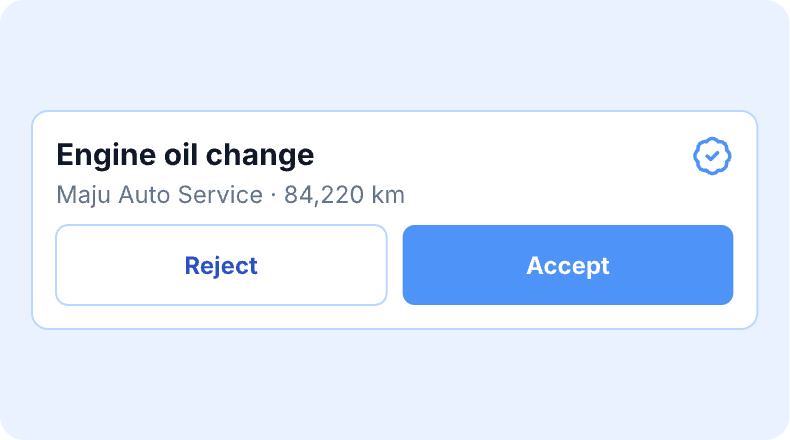
Customer reviews the submission
ODO returns the record for review before it becomes part of their garage.
Workshop FAQ
Questions workshop owners usually ask.
Quick answers for your first ODO handoff.
- How quickly can my workshop get started?
- Open the customer’s handoff in the browser and complete the first request as a guest.Open the customer’s handoff in the browser and complete the first request as a guest.
- Does ODO work with my existing workshop process?
- Yes. Keep using your invoice, job card, accounting, inventory, CRM, and scheduling tools. ODO adds a structured service record for the customer.Yes. Keep using your invoice, job card, accounting, inventory, CRM, and scheduling tools. ODO adds a structured service record for the customer.
- What customer information can the workshop access?
- The handoff opens the service request the customer shares. Their wider ODO garage and contact details stay private.Workshops may access service information that is input for the handoff session. Customers' wider ODO garage and contact details stay private.
- What happens after the service is submitted?
- ODO provides a submission reference, then the customer reviews the record before deciding whether to add it to their vehicle history.ODO provides a submission reference, then the customer reviews the record before deciding whether to add it to their vehicle history.
Make every handoff count.
Add the completed service and give your customer a clear record they can keep, understand, and value.
See how ODO works for workshopsThe first handoff
- Ready in the browser
- Simple from the first request
- Customer reviews before it joins their history